> For the complete documentation index, see [llms.txt](https://taskoncommunitys-organization.gitbook.io/guide-book/llms.txt). Markdown versions of documentation pages are available by appending `.md` to page URLs; this page is available as [Markdown](https://taskoncommunitys-organization.gitbook.io/guide-book/community-hub/incentives-benefits/benefit-shop/benefit-type/ticket.md).
# Ticket
## Set Up
### Basic Info
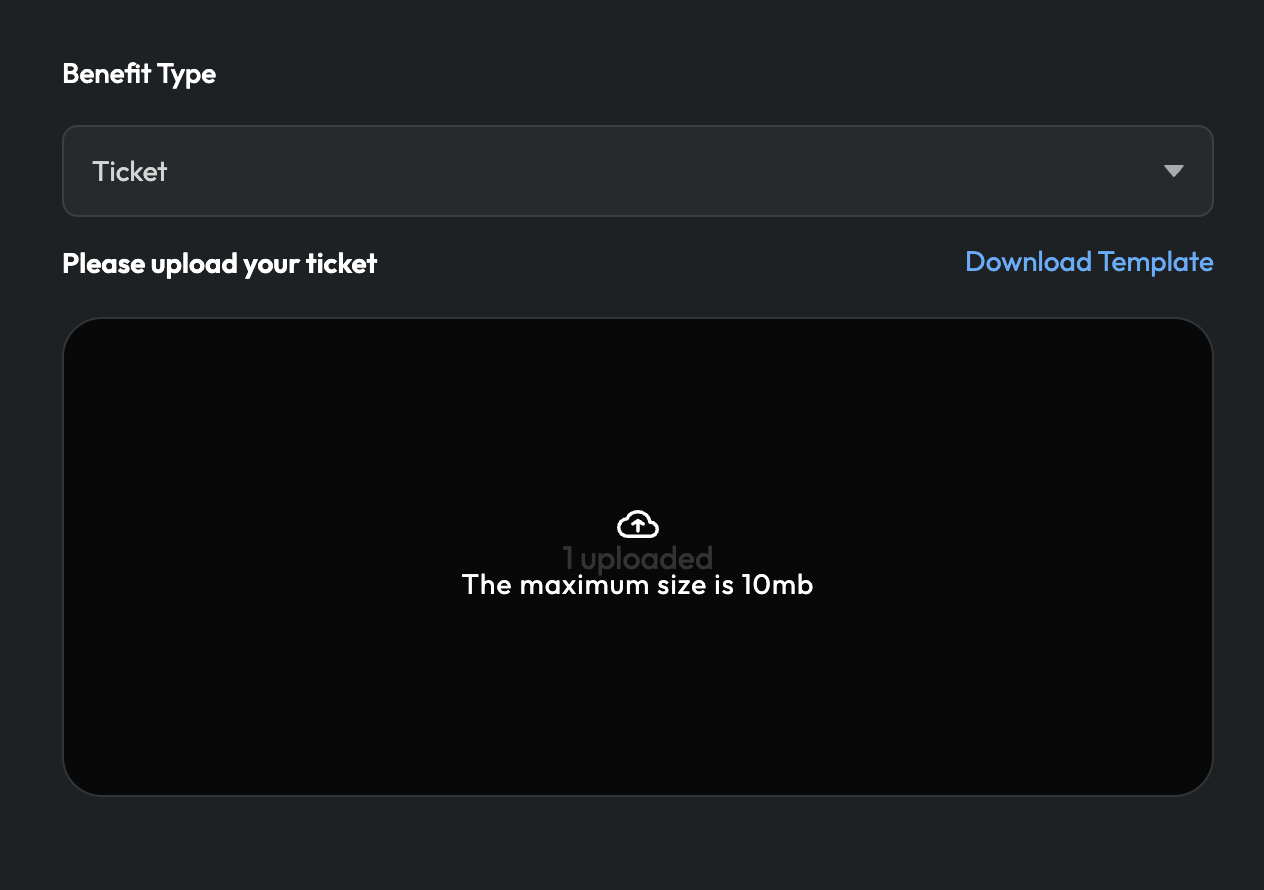
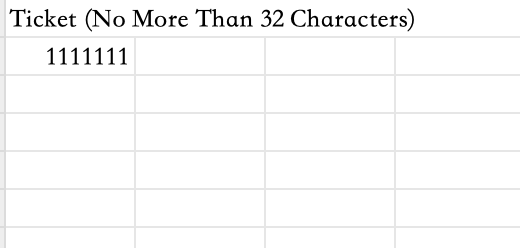
1. If you choose ticket, please download template, fill out the form, and then upload.
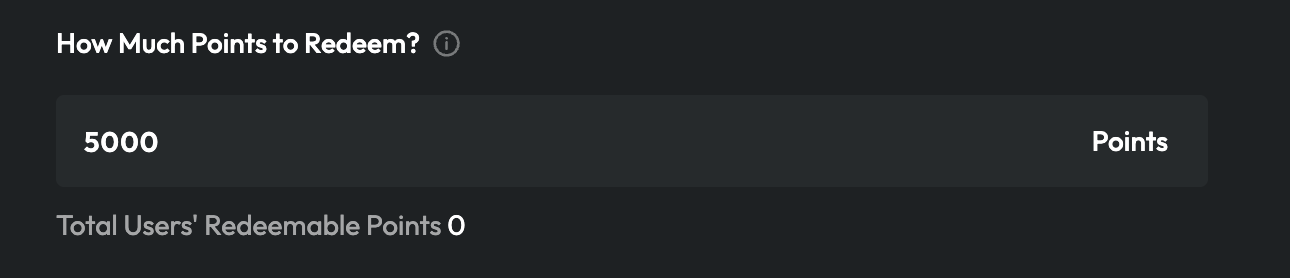
### Set Redeem Rate
Please fill in the number; i.e., how many points are needed to redeem the ticket.
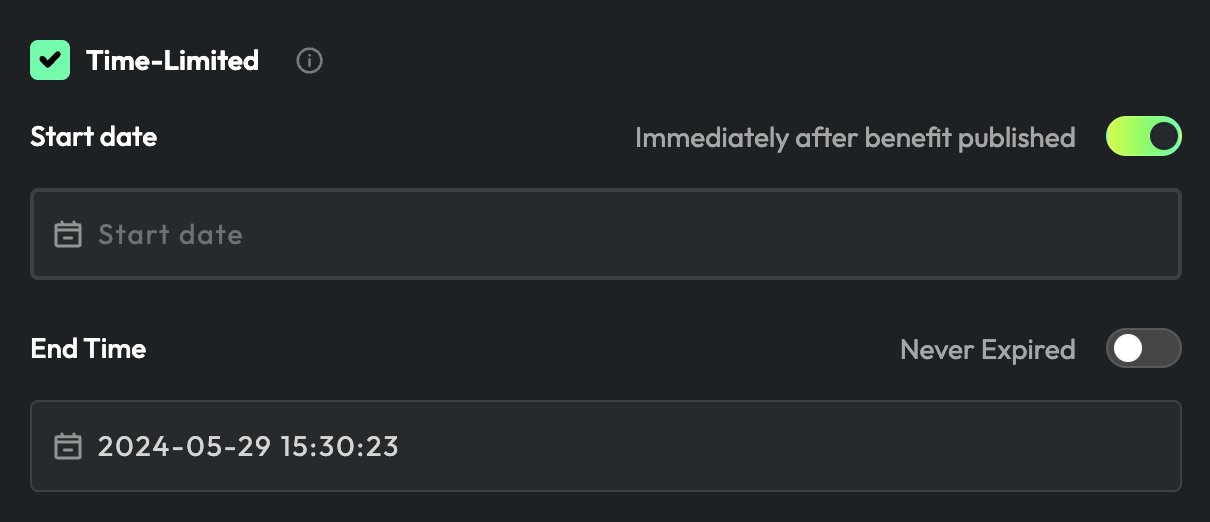
### Time-limited (Optional)
If you want to set this benefit as time-limited, please enter the date.
### Participation Requirement (Optional)
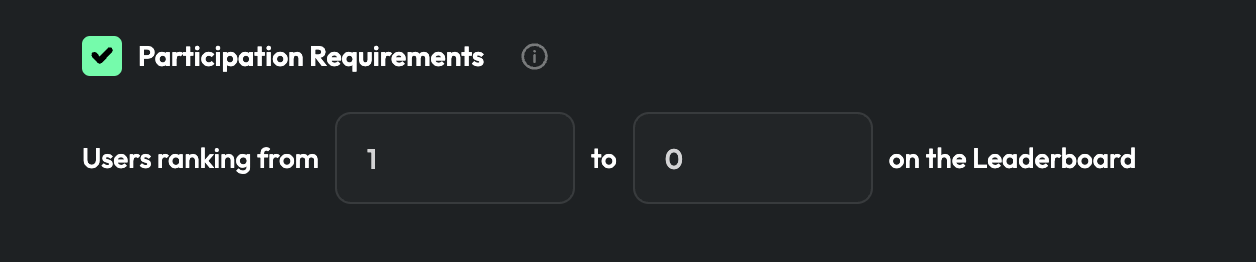
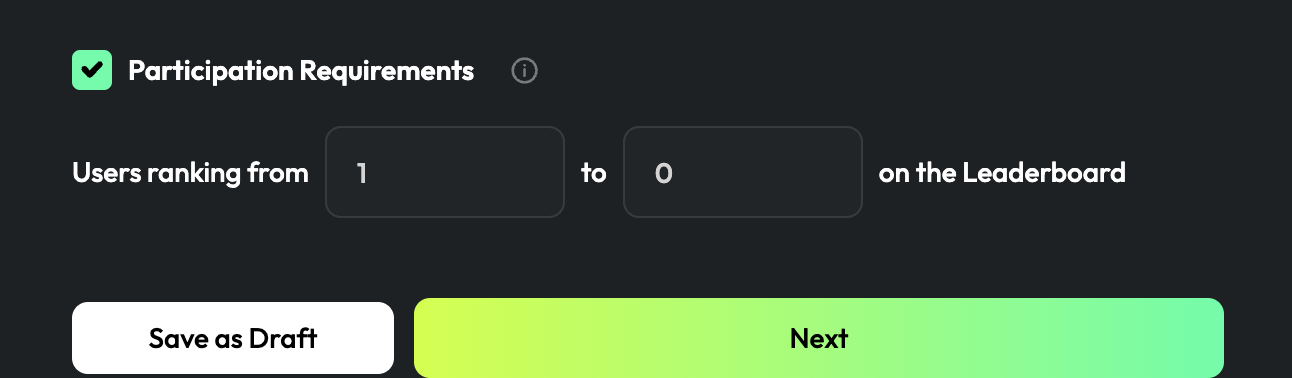
If you want only participants from a specific ranking range to qualify for this benefit, click "Participation Requirement", then select "Leaderboard" for the specific range of ranking.
Click "`Next`".
## Info
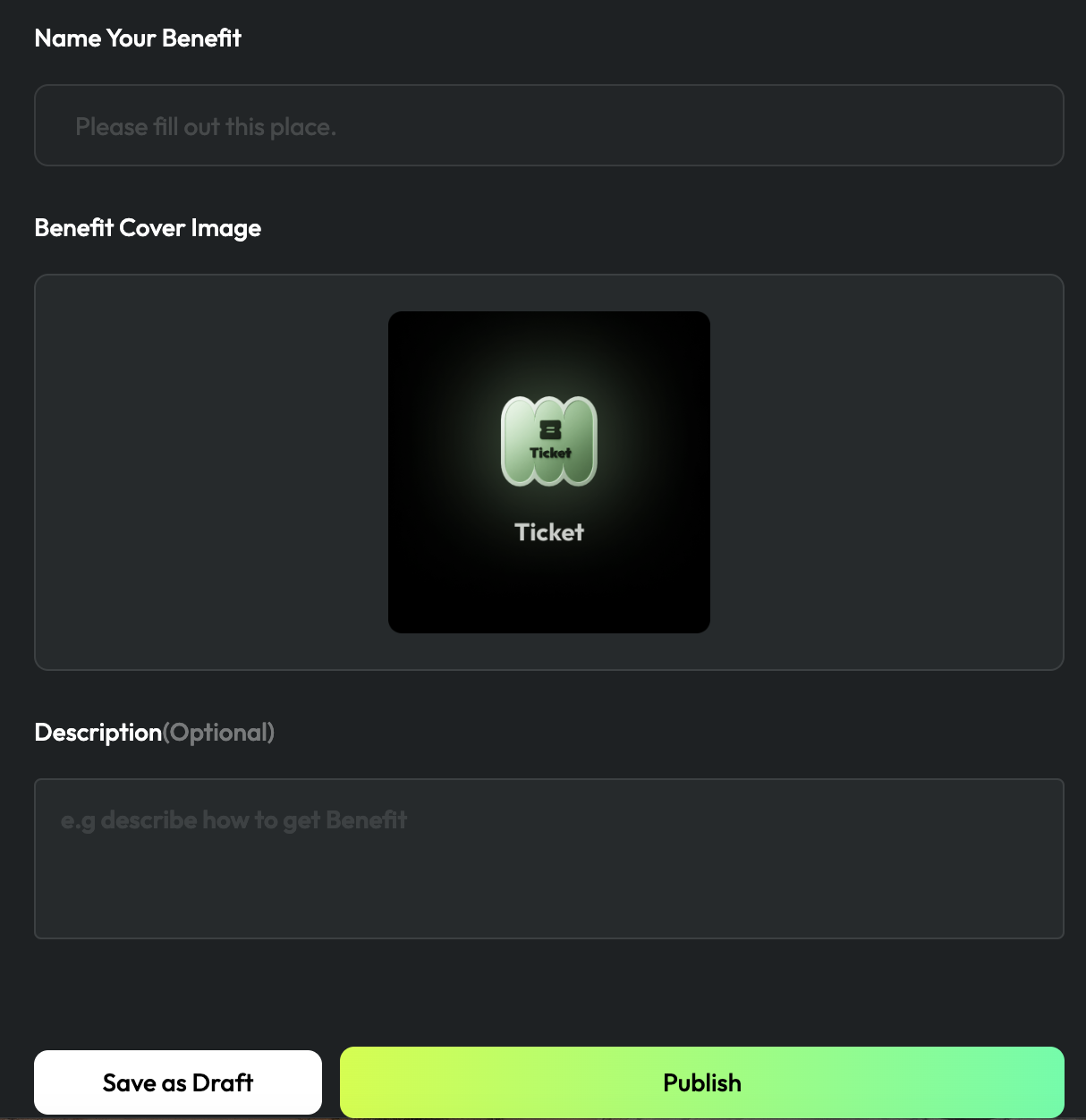
1. Enter your benefit `name`, load the `cover image`, and add the `description`.
2. Click "`Publish`".