> For the complete documentation index, see [llms.txt](https://taskoncommunitys-organization.gitbook.io/guide-book/llms.txt). Markdown versions of documentation pages are available by appending `.md` to page URLs; this page is available as [Markdown](https://taskoncommunitys-organization.gitbook.io/guide-book/getting-started/how-to-create-community-tasks/how-to-test-tasks.md).
# How to Test Tasks
### On-chain Task Test
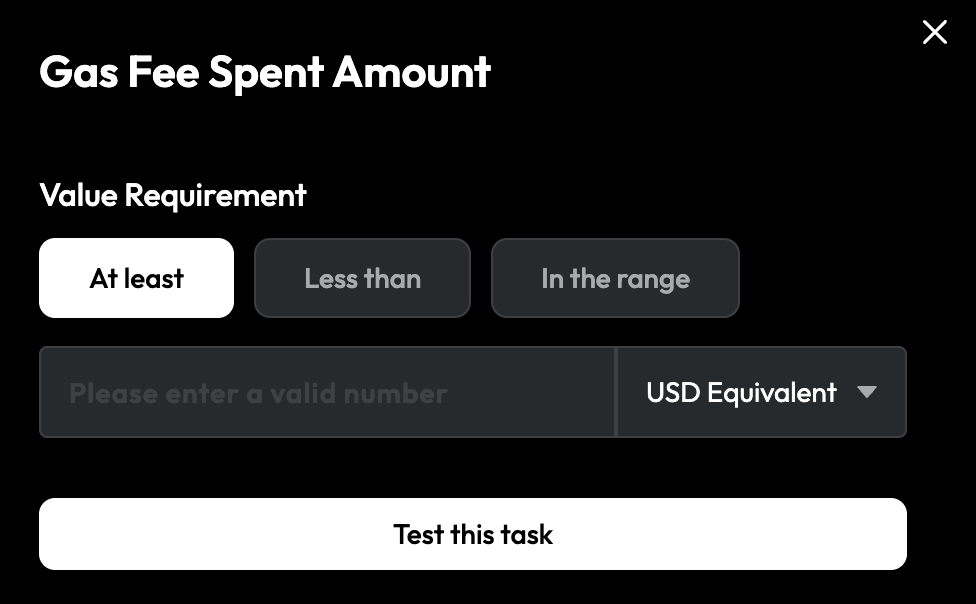
For task verification, especially for online tasks, ensuring the smoothness of user completion is crucial. TaskOn Community supports testing the functionality of tasks immediately after setting task conditions.
When complete the task settings, click "`Test this Task`".
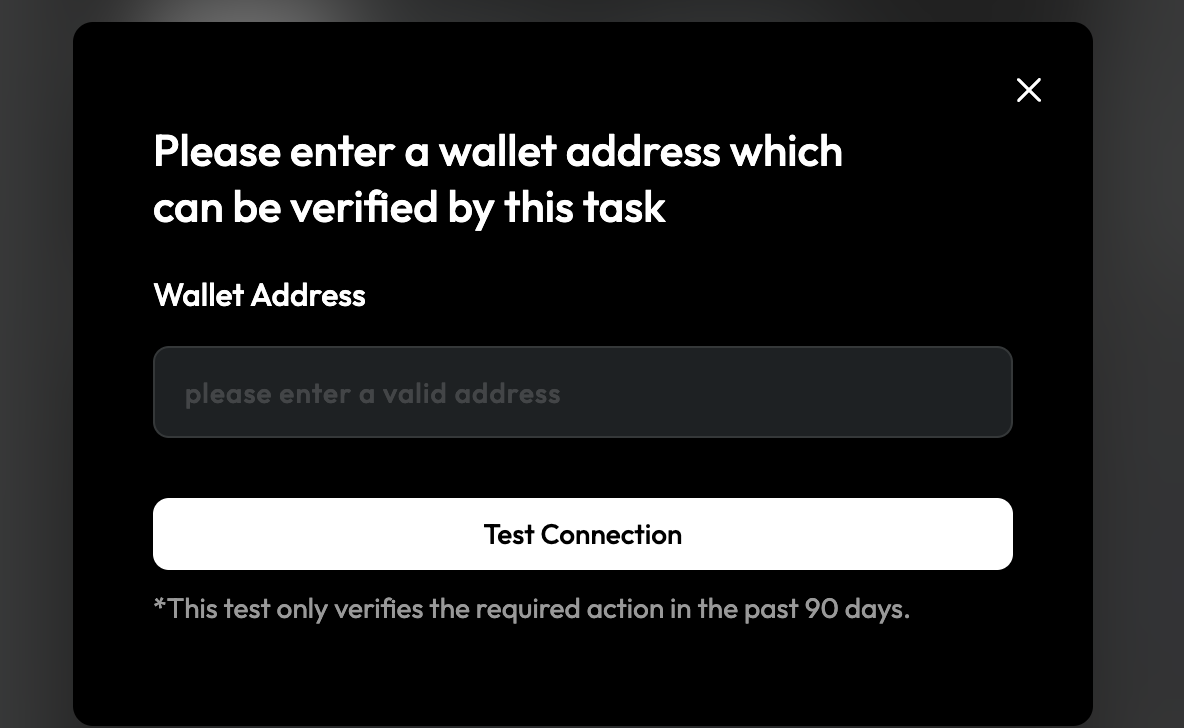
Then enter your wallet address that you want to verify, and click "`Test Connection`".
### Copy Link to Test
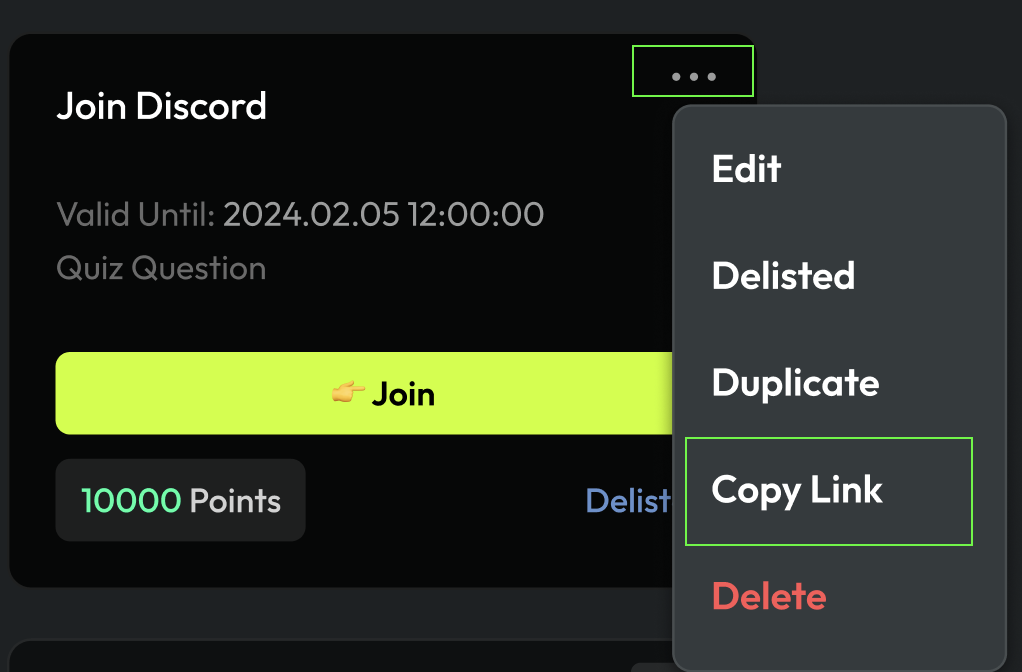
If you've created a task but are unsure about its status from a member's perspective or whether the completion steps are ready, you can test it. Choose the task, click "`Copy Link`", and share the link with others to gather feedback.