> For the complete documentation index, see [llms.txt](https://taskoncommunitys-organization.gitbook.io/guide-book/llms.txt). Markdown versions of documentation pages are available by appending `.md` to page URLs; this page is available as [Markdown](https://taskoncommunitys-organization.gitbook.io/guide-book/community-hub/incentives-benefits/benefit-shop/benefit-type/content.md).
# Content
## Set Up
### Basic Info
1. Type of content: `File`, `Message`, `URL`.
2. Upload your content.
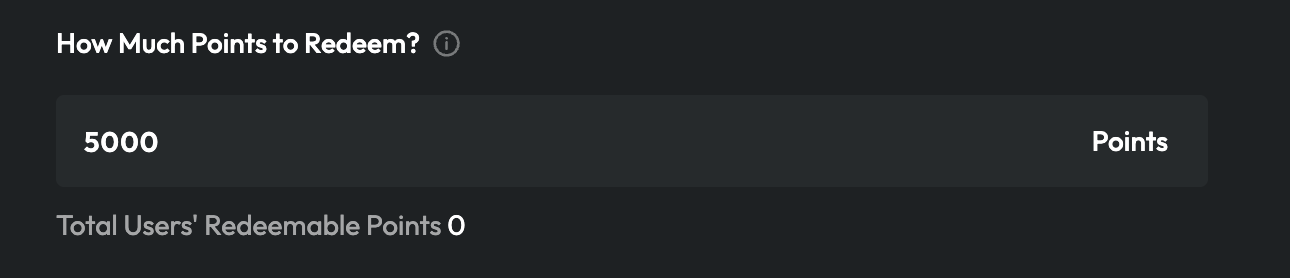
### Set Redeem Rate
Please fill in the number, how many points are needed to redeem the content.
### Quantity-limited (Optional)
If your whitelist is not unlimited or you want to control the quantity of whitelist redemptions, enter the maximum supply.
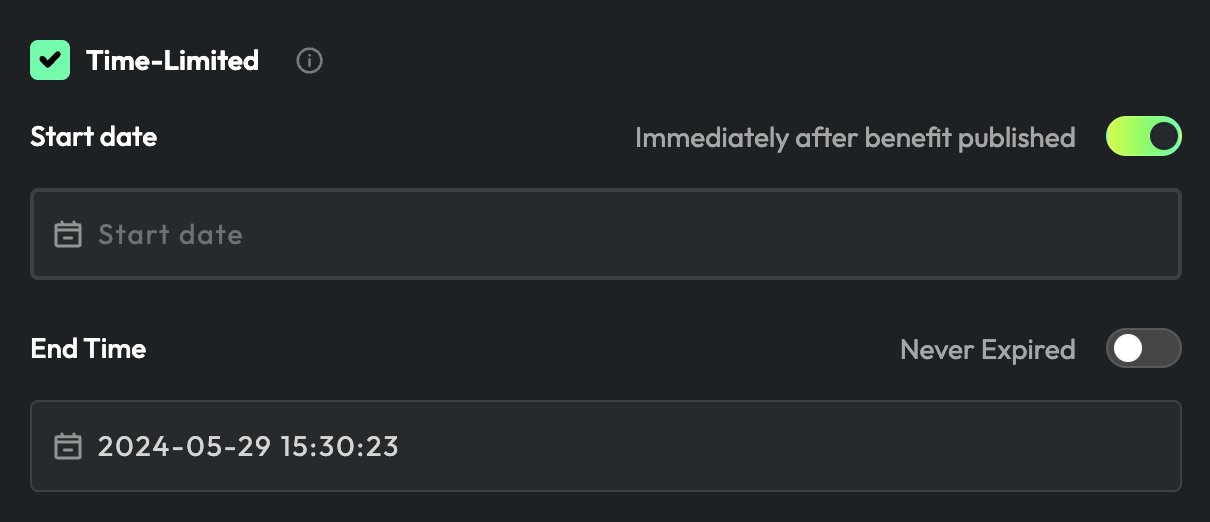
### Time-limited (Optional)
If you want to set this benefit as time-limited, please enter the date.
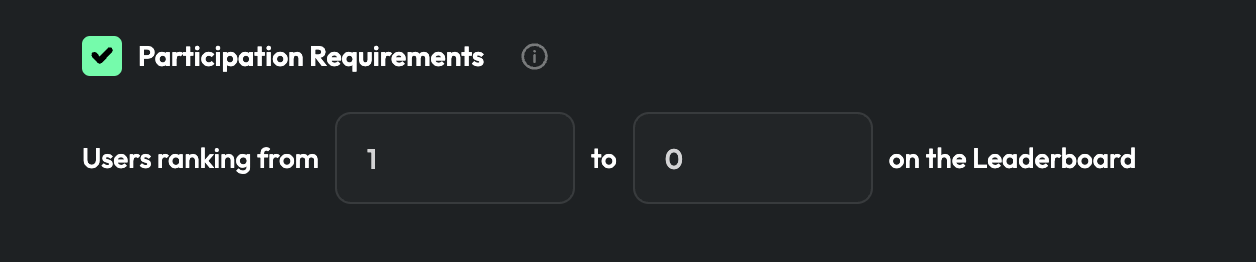
### Participation Requirement (Optional)
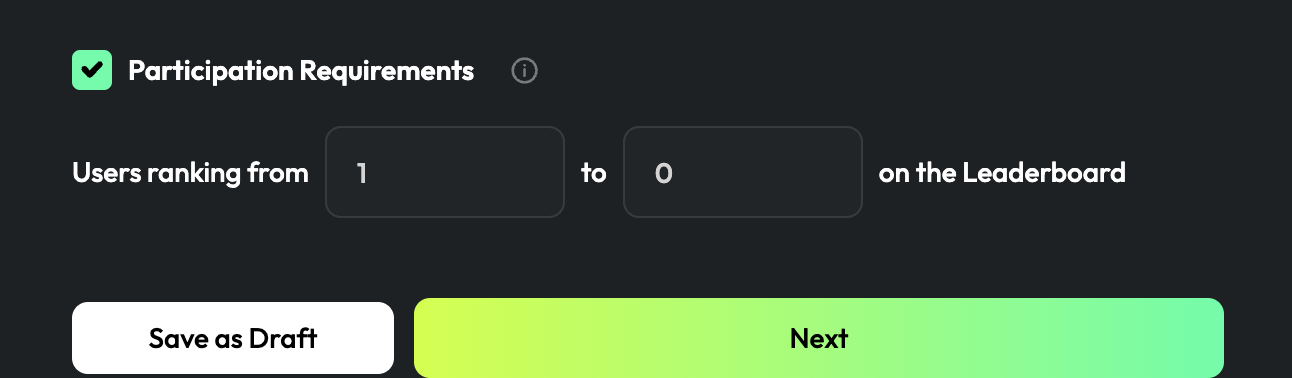
If you want only participants from a specific ranking range to qualify for this benefit, click "Participation Requirement", then select "Leaderboard" for the specific range of ranking.
Click "`Next`".
## Info
1. Enter your benefit `name`, load the `cover image`, and add the `description`.
2. Click "`Publish`".