> For the complete documentation index, see [llms.txt](https://taskoncommunitys-organization.gitbook.io/guide-book/llms.txt). Markdown versions of documentation pages are available by appending `.md` to page URLs; this page is available as [Markdown](https://taskoncommunitys-organization.gitbook.io/guide-book/getting-started/how-to-edit/announcement.md).
# Announcement
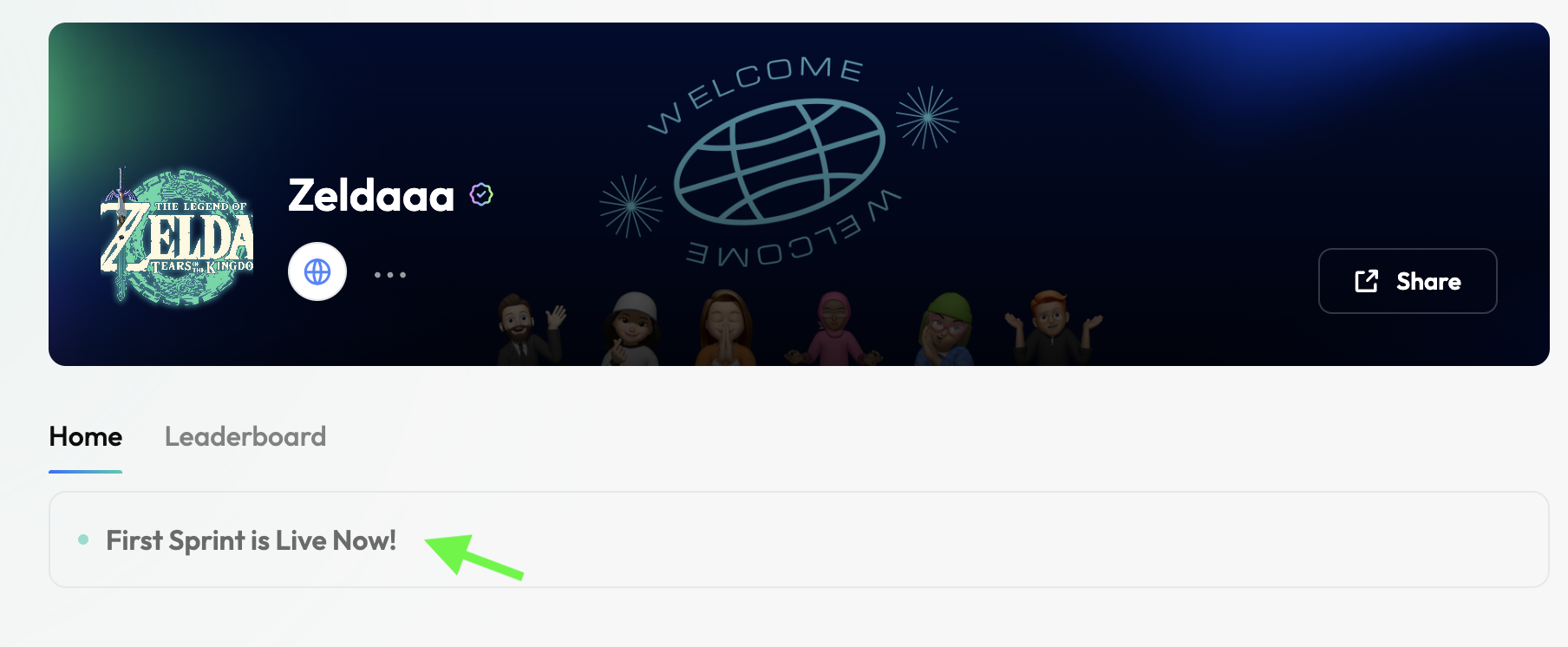
The `announcement` section keeps everyone informed of `timely updates` and `important news`, ensuring clear communication and increased engagement within the community.
## Getting Started
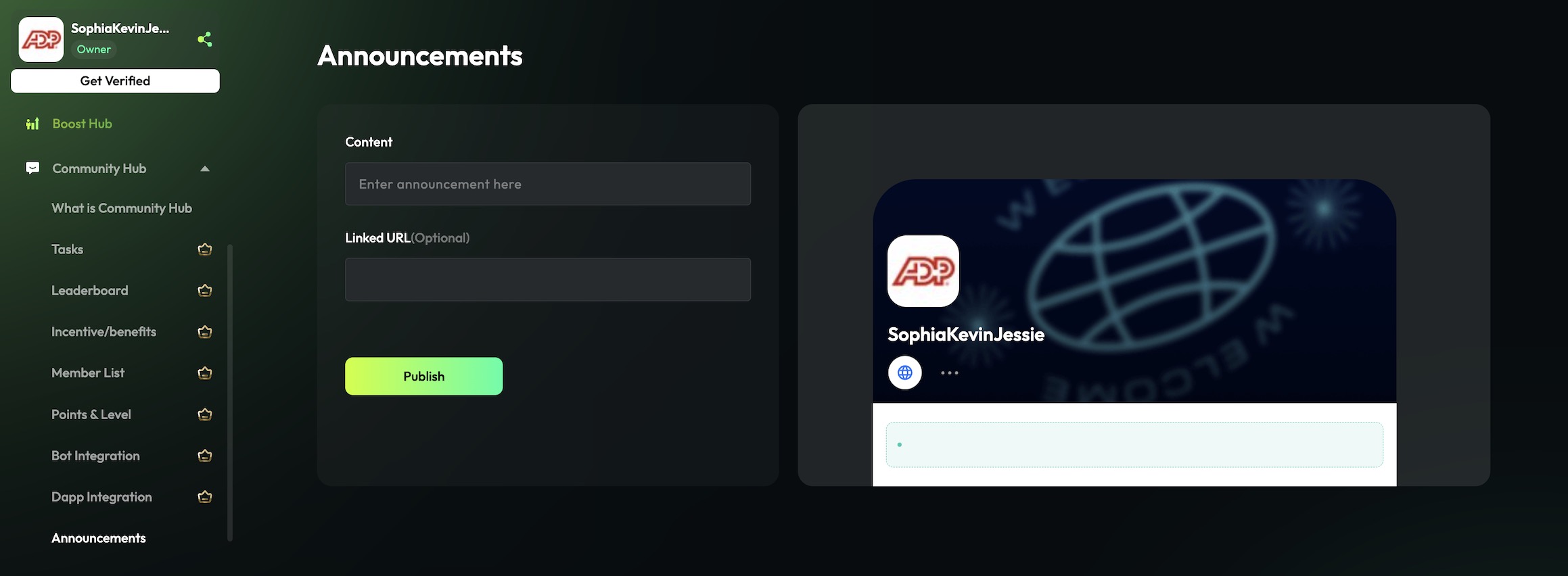
1. In Entity Hub, click "Community Settings", then click on "`Announcement`".
2. Enter the `content` (title) and the linked the `URL` (official).
3. Click "`Publish`".