> For the complete documentation index, see [llms.txt](https://taskoncommunitys-organization.gitbook.io/entity-hub-for-business-end/llms.txt). Markdown versions of documentation pages are available by appending `.md` to page URLs; this page is available as [Markdown](https://taskoncommunitys-organization.gitbook.io/entity-hub-for-business-end/whats-new/v1.6.7.md).
# v1.6.7
## For B-end
## New Reward Type: Points
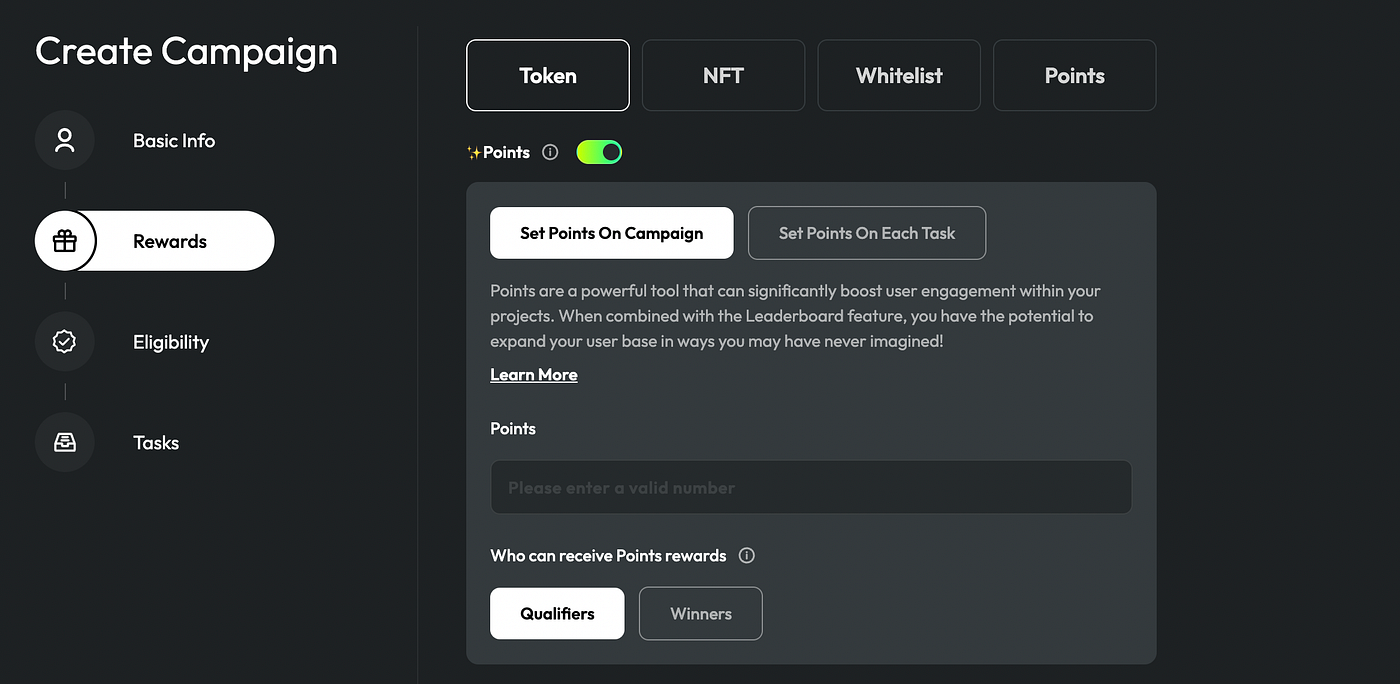
In this version, we’ve introduced a brand-new reward type: Points. This innovative reward system adds a gamified experience to your TaskOn platform campaigns, motivating users to accomplish tasks and accumulate points. Beyond that, points offer you the capability to fashion a personalized **points system** aligned with your project’s objectives. By fine-tuning point values and redemption choices, you can amplify user engagement and nurture loyalty. Furthermore, the aggregation of user points serves as a gauge of participants’ engagement level, aiding your project in pinpointing a committed community of actively involved and supportive users.
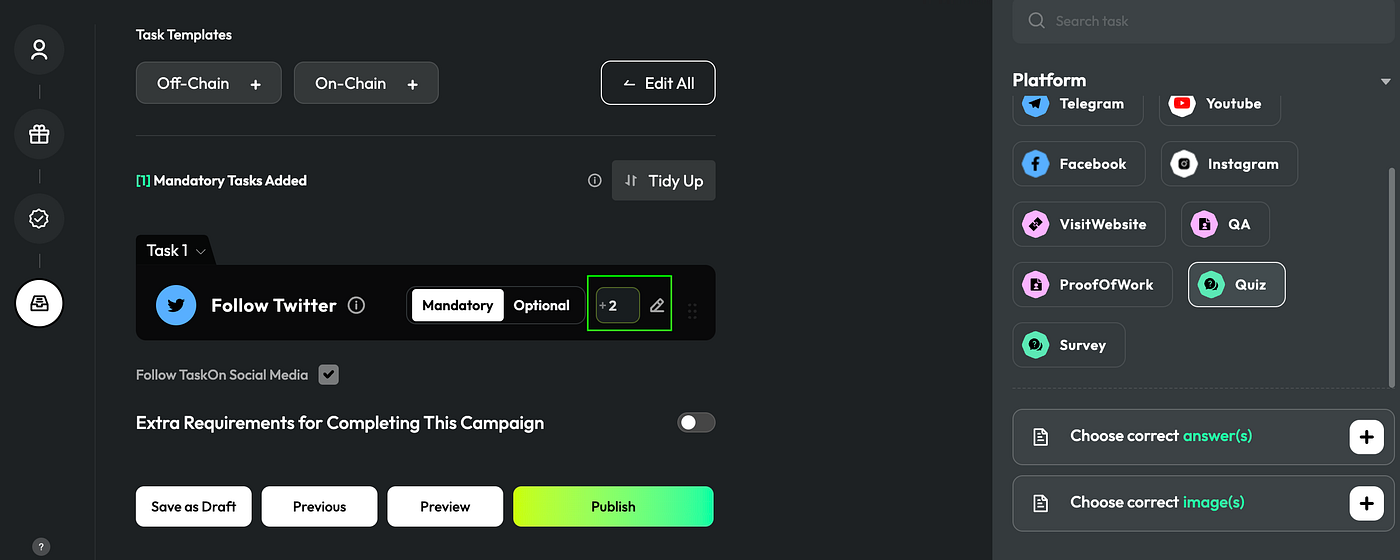
**Set Points for Each Task**
When task settings, TaskOn offers the capability to assign varying points to individual tasks, facilitating the establishment of a finely tuned incentive mechanism. Each task carries its own unique significance and level of challenge. By allocating well-suited point values to tasks, you can realize a more precise and effective user incentive strategy.
## Leaderboard
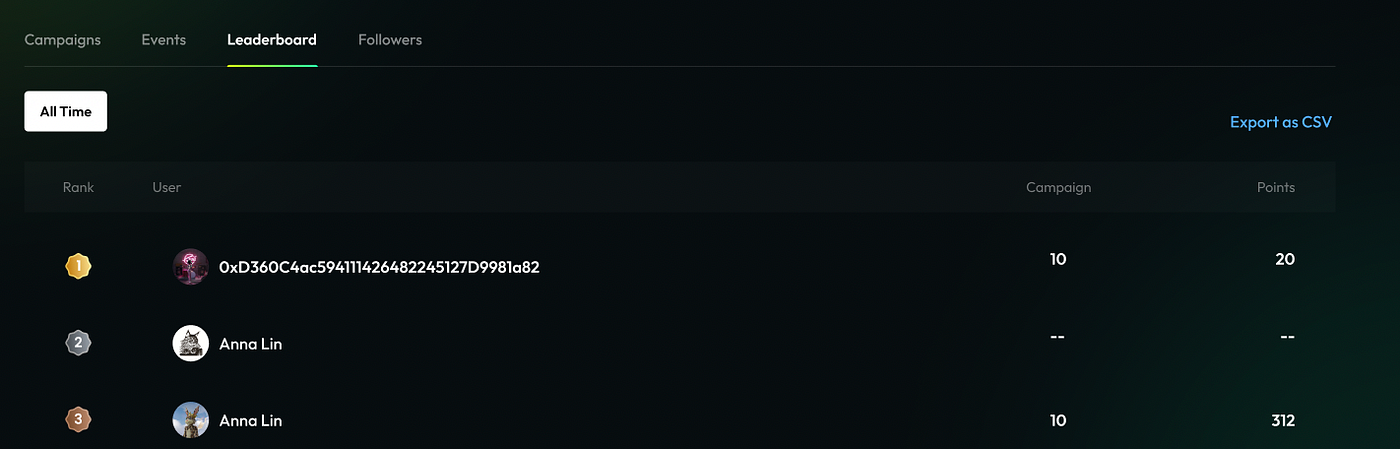
**All Time Leaderboard**
In this new version, we introduced the leaderboard feature. Through this tool, you can obtain an overview of users who have participated in your campaigns. This helps you quickly identify users who are highly engaged and of high quality, showing a strong interest in your project. Currently, the leaderboard supports evaluating users through two key dimensions: the number of **campaigns** they participated in and the **points** they got.
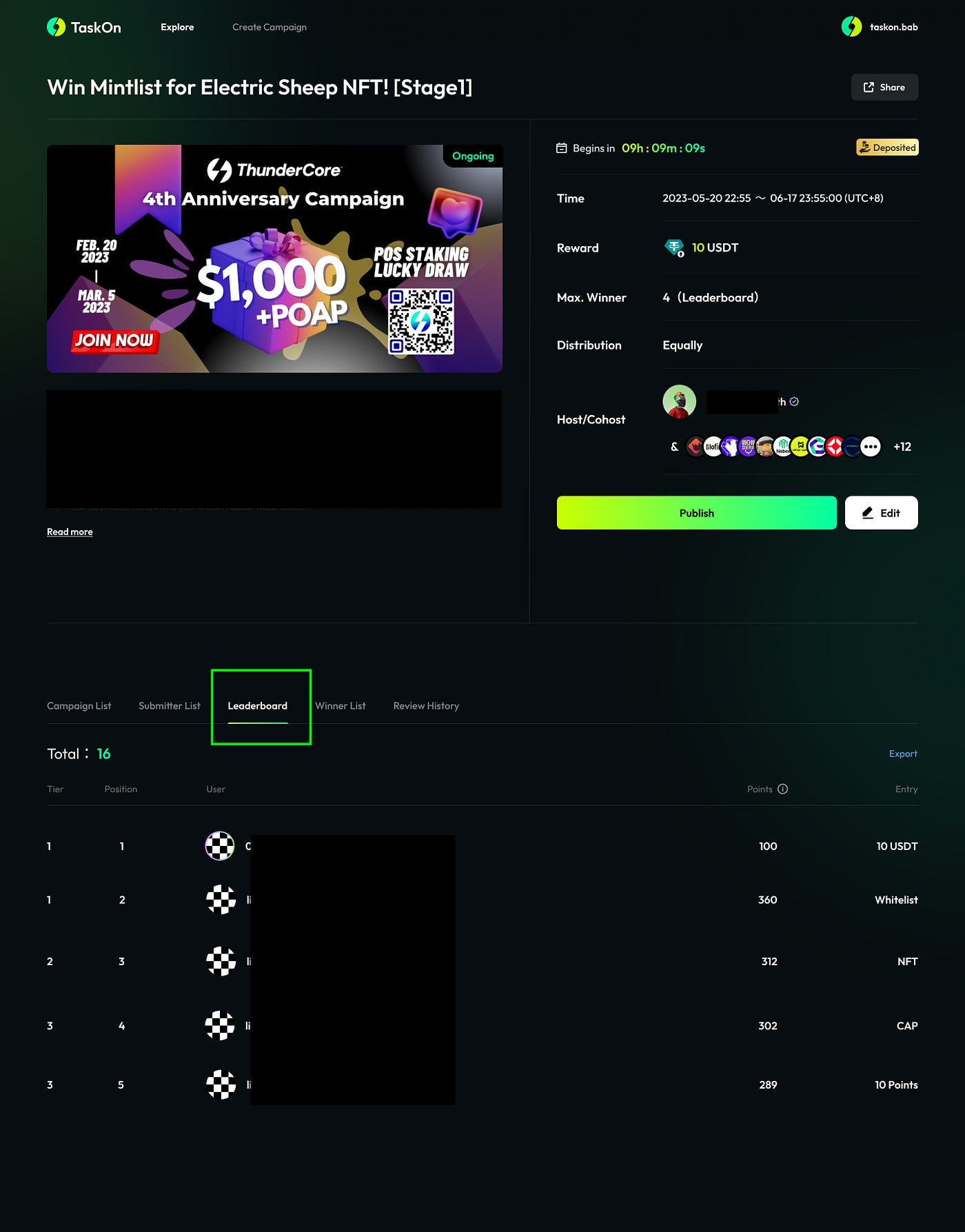
**Event Leaderboard**
In this version, the new **Event** feature also includes a leaderboard. The leaderboard ranks participants based on the points they have earned, allowing you to quickly identify highly engaged users. This feature serves as a reference for creating award lists, ensuring that rewards are distributed to users who are actively contributing to community building.
## Event
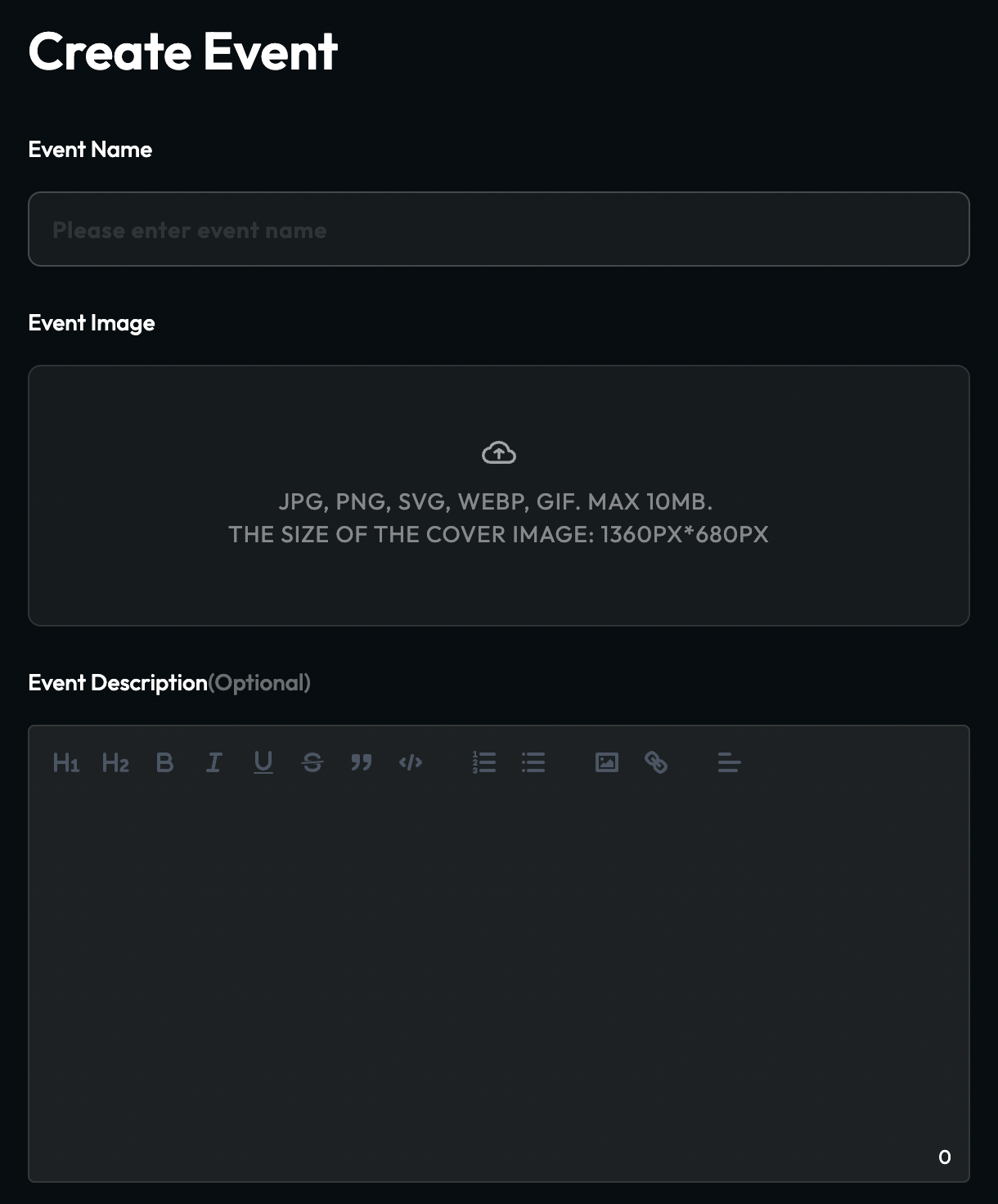
In the new version, projects now have the ability to initiate an **Event**, designed to provide projects with a more immersive campaign engagement experience. This feature empowers projects to aggregate multiple campaigns under an “Event,” offering users a more diverse range of participation opportunities. What’s even more exciting is that projects can invite collaborators to co-launch events, collectively creating multiple campaigns and generating a wider impact.
This powerful tool significantly enhances projects’ event planning capabilities, delivering a more streamlined and flexible way to captivate users and deepen their engagement and interest in your projects. Not only does it strengthen user interaction, but it also enables collaborative partners to craft a more captivating event experience.
## NFT Mint
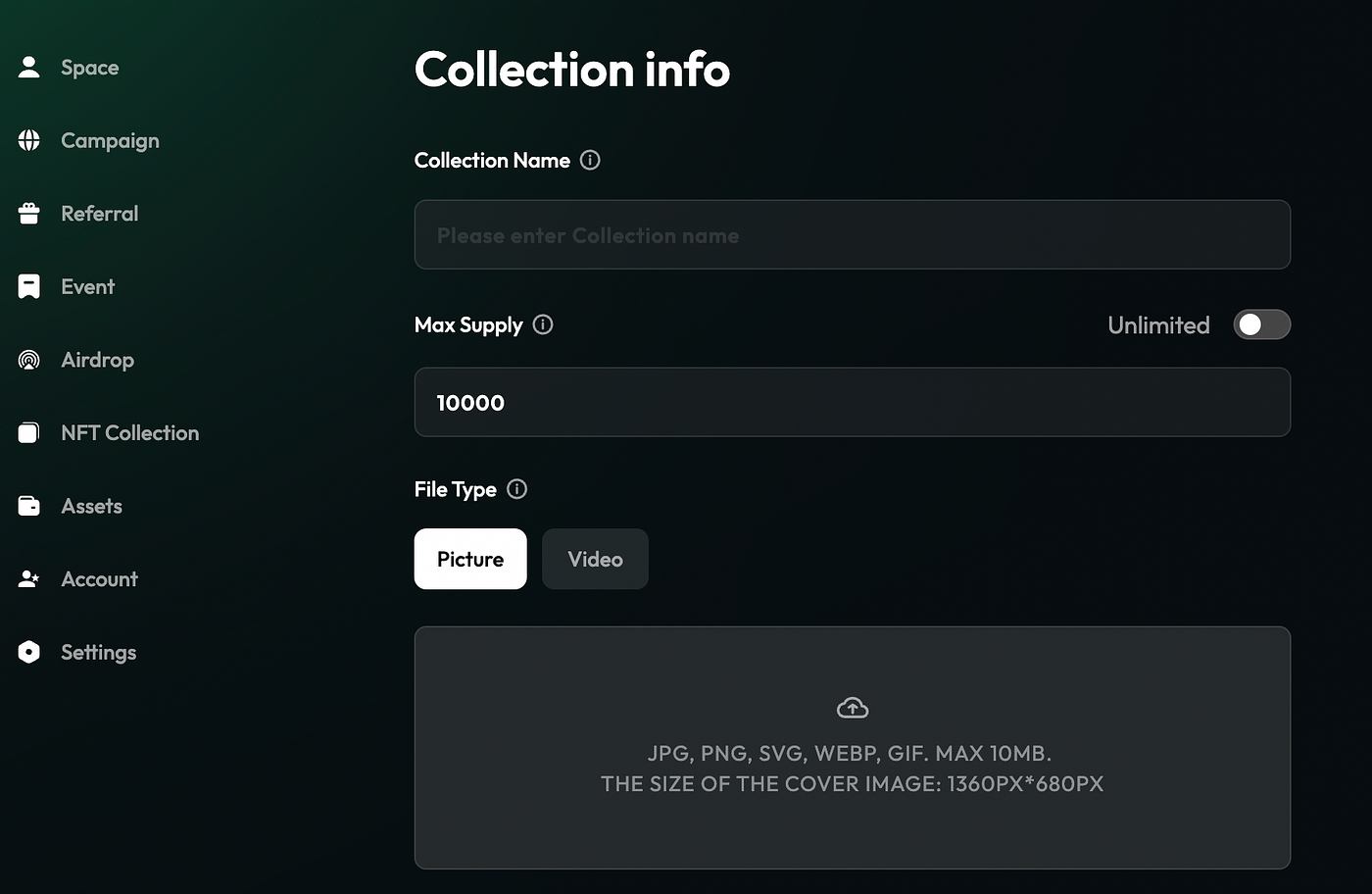
For projects, TaskOn now supports **Mint NFT**. With this feature, projects can effortlessly transform brands, ideas, or digital creations into unique NFT digital assets, enhancing the appeal of their campaigns by using NFTs as **rewards**. After minting NFTs, we offer the **NFT distributio**n feature, enabling projects to explore inventive branding strategies and spark user engagement. Currently, TaskOn supports three methods for distributing NFTs to users: **Airdrop**, **Claim**, and **Mint**.
This functionality not only reinforces your brand presence but also presents opportunities for innovation and added value to your project.
## Mandatory / Optional Tasks
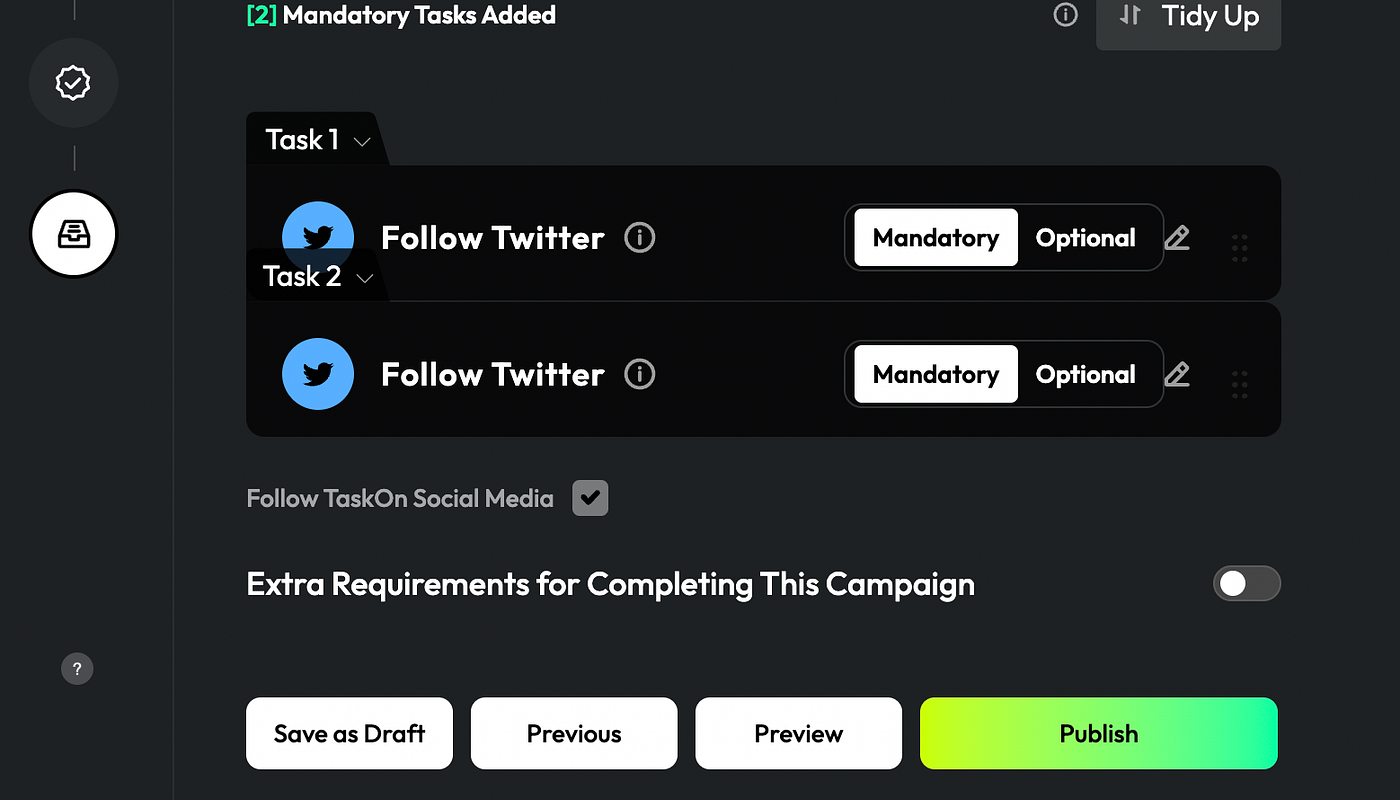
The optional and mandatory task settings provide projects with greater flexibility in campaign design, allowing for the customization of the event experience based on varying user preferences and objectives. This feature empowers projects to selectively decide whether users must complete specific tasks, enhancing resource management and user engagement. By tailoring the experience to specific scenarios, projects can effectively cultivate user motivation and encourage participation.
You can customize the requirements for completing the campaign, providing valuable flexibility for tasks.
## Poster Display Optimization
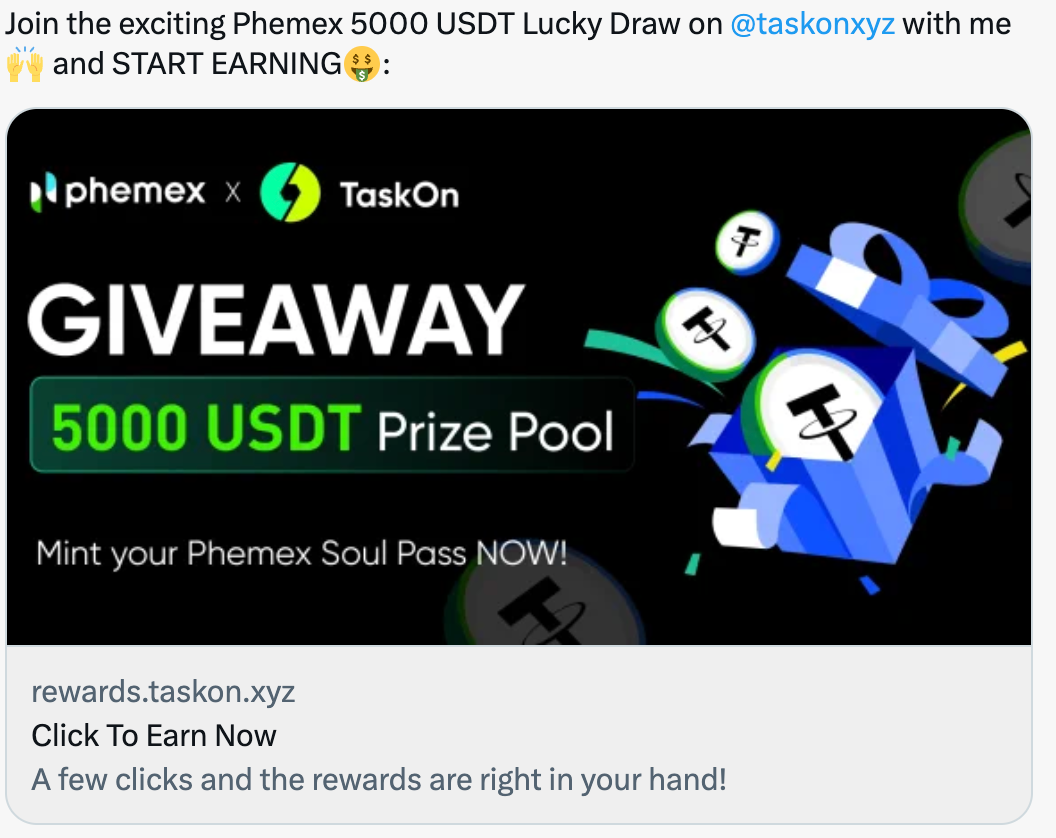
We have enhanced the embedding of campaigns’ posters when shared on Twitter. With this optimization, users’ campaign tweets will become more appealing on social media platforms. A captivating poster can swiftly highlight the campaign’s key features for followers, ultimately boosting participation rates and making the event more engaging.
## Layer2 Networks Supported
Arbitrum One, Optimistic, zkSync Era, and Polygon zkEVM.
## Off-chain Tasks Added
1. Visit a channel on Youtube
2. View a page on Facebook
3. View a post on Instagram
4. Visit a profile on Instagram
## Key added to API Task
When publishing API tasks, projects can now specify that access to the interface is restricted to TaskOn users only. This enhancement significantly enhances security.
---
# Agent Instructions
This documentation is published with GitBook. GitBook is the documentation platform designed so that both humans and AI agents can read, navigate, and reason over technical content effectively. Learn more at gitbook.com.
## Querying This Documentation
If you need additional information that is not directly available in this page, you can query the documentation dynamically by asking a question.
Perform an HTTP GET request on the current page URL with the `ask` query parameter:
```
GET https://taskoncommunitys-organization.gitbook.io/entity-hub-for-business-end/whats-new/v1.6.7.md?ask=
```
The question should be specific, self-contained, and written in natural language.
The response will contain a direct answer to the question and relevant excerpts and sources from the documentation.
Use this mechanism when the answer is not explicitly present in the current page, you need clarification or additional context, or you want to retrieve related documentation sections.