> For the complete documentation index, see [llms.txt](https://taskoncommunitys-organization.gitbook.io/entity-hub-for-business-end/llms.txt). Markdown versions of documentation pages are available by appending `.md` to page URLs; this page is available as [Markdown](https://taskoncommunitys-organization.gitbook.io/entity-hub-for-business-end/quest/set-up-quest/eilgbility-and-authorize.md).
# Eilgbility\&Authorize
## Eilgbility:
Fine-tuned eligibility settings help project creators better control participant quality, improving task effectiveness and data authenticity.
Only users meeting your requirements are eligible to participate. This tool combines anti-bot measures with targeted user selection to filter out bots and attract the desired participants.
### Anti-Bot Settings:
Twitter verification and on-chain verification can be used to implement anti-bot measures through on-chain footprint conditions.
### Targeted User Selection:
Filter participants with conditions such as eligible wallet addresses, Discord roles, NFT holders, minimum token balance addresses, or participation restricted to residents of specific countries to meet your needs.
Setting participation for or excluding residents of specific countries can help create Quests compliant with regulatory policies.
### Community User Selection:
Restrict participation to specific community users through targeted conditions.
## Authorize
For the first task creation, you must verify your identity via Twitter to prevent impersonation of your project. Once verified, no further verification is required.
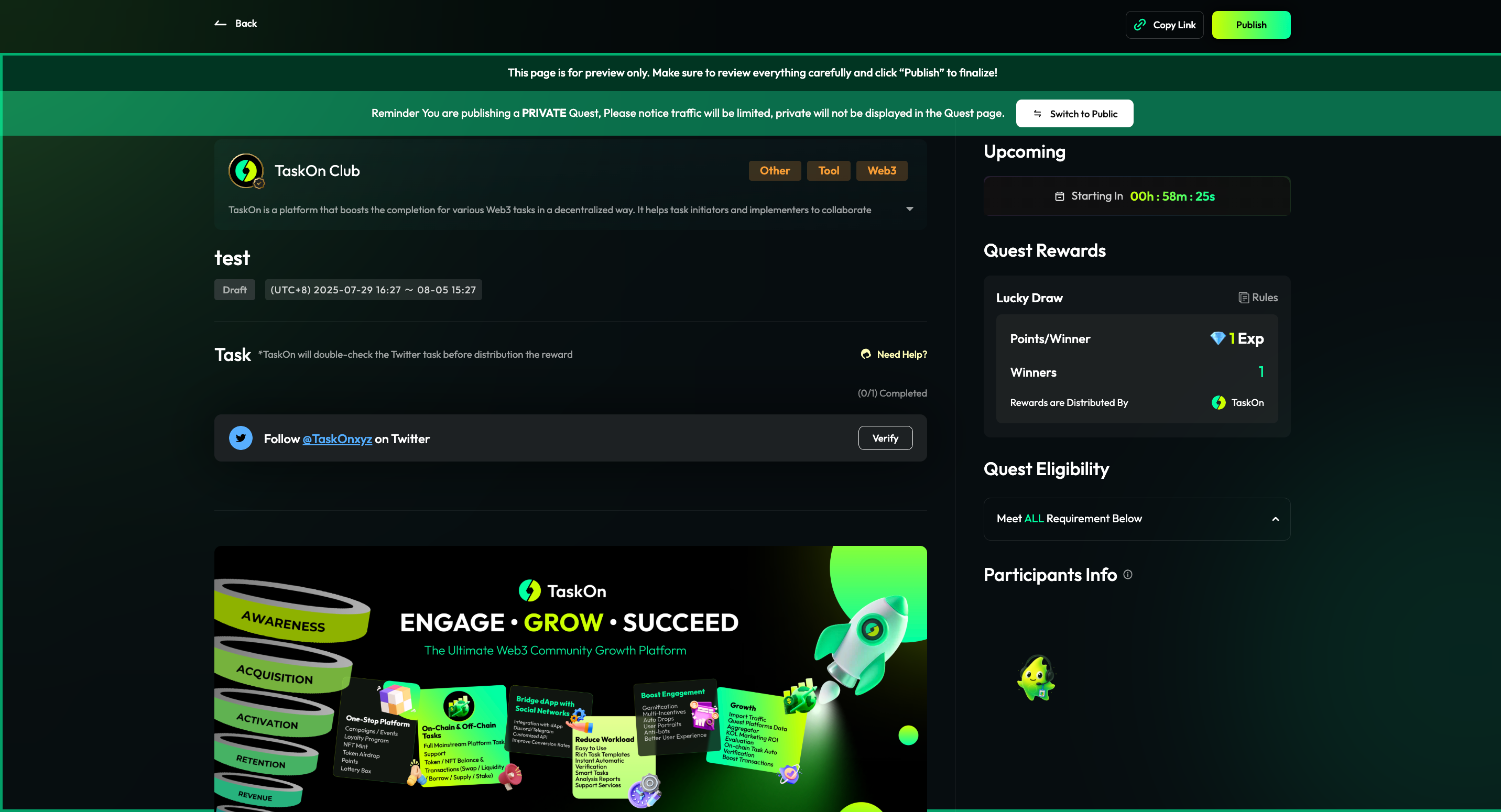
Now that your Quest is set up, you can click Preview & Publish.
Finally, click Publish to successfully publish your Quest.