> For the complete documentation index, see [llms.txt](https://taskoncommunitys-organization.gitbook.io/taskon-help-center/llms.txt). Markdown versions of documentation pages are available by appending `.md` to page URLs; this page is available as [Markdown](https://taskoncommunitys-organization.gitbook.io/taskon-help-center/question-and-answer/common-errors.md).
# Common Errors
## Twitter/Telegram/Discord Verified Error
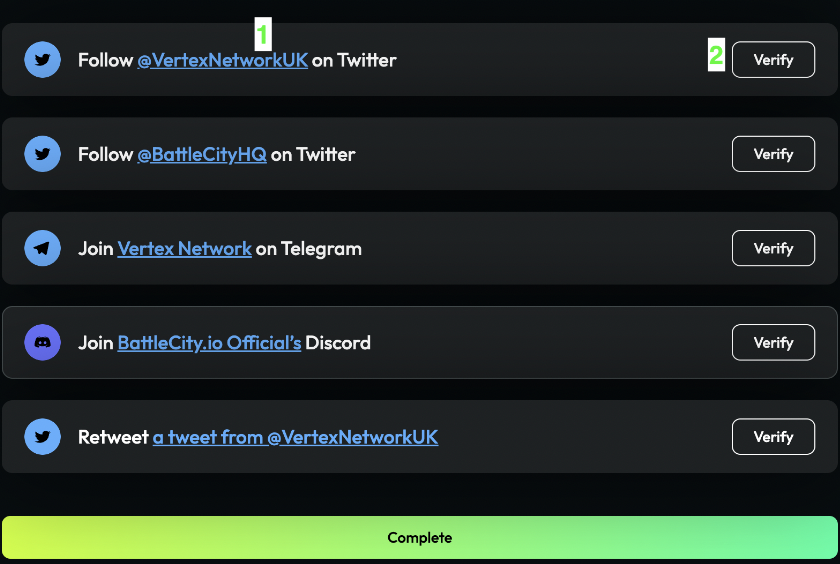
If there is Task verification failure, internal error, or loading, please make sure you follow the steps below:
1. Click the blue link of a campaign to complete the task, then click Verify
2. Don't click "Verify" too often. If verification still fails, try again in 15 minutes and complete one task at a time.
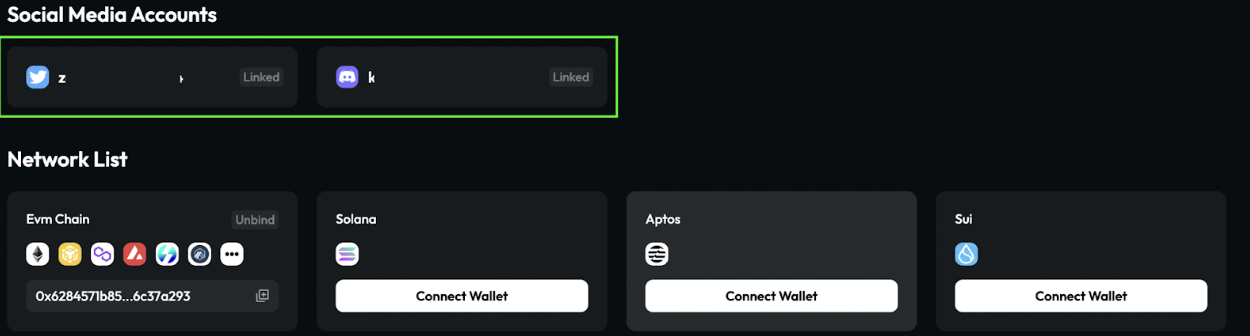
3. Make sure your TaskOn-connected Twitter/Discord account is the same as the logged-in account.
4. Disconnect your wallet from TaskOn and try connecting again. Also, check your TaskOn profile to confirm if your Twitter/Discord is connected to your profile.
## Quote Tweet Task Fails Validation
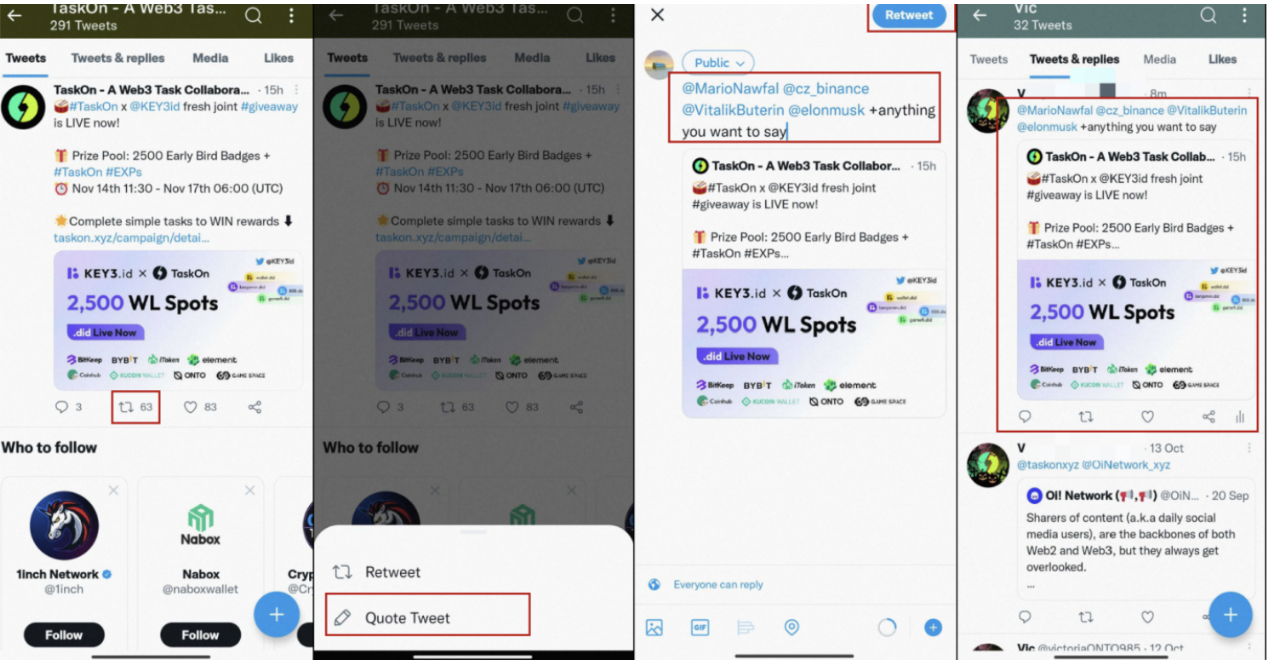
If you are experiencing issues with validating your quote tweet task, please ensure that you are using the "Quote" function and tagging the specified users, rather than using "`Reply`". You can refer to the picture tutorial below for guidance:
1. Click on the icon and select "Quote Tweet".
2. Tag three friends by entering "@" before their usernames.
3. After editing, click "Retweet" to publish.
*\*Please note that the accounts you tag must be valid and not frozen, otherwise, the validation will fail.*
## Duplicate Binding
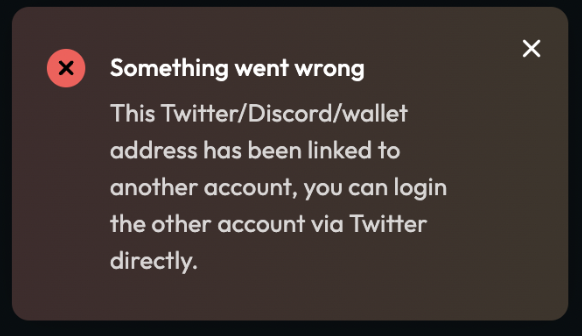
This happens when you try to bind your Twitter/Discord account to a wallet address that is already linked to another Twitter/Discord account. Each wallet address can only be linked to one Twitter/Discord account. If you want to switch the linked account, you'll need to first unlink the old account from the wallet address, then log in with the new account and link it. Note that you can only switch bindings **once a month**.
If you want to bind or unbind, please refer to this tutorial: [**bind and unbind**](https://taskoncommunitys-organization.gitbook.io/taskon-help-center/profile/bind-and-unbind).