> For the complete documentation index, see [llms.txt](https://taskoncommunitys-organization.gitbook.io/guide-book/llms.txt). Markdown versions of documentation pages are available by appending `.md` to page URLs; this page is available as [Markdown](https://taskoncommunitys-organization.gitbook.io/guide-book/quest-hub/how-to-create-an-event/step-3-add-quests.md).

# Step 3: Add Quests

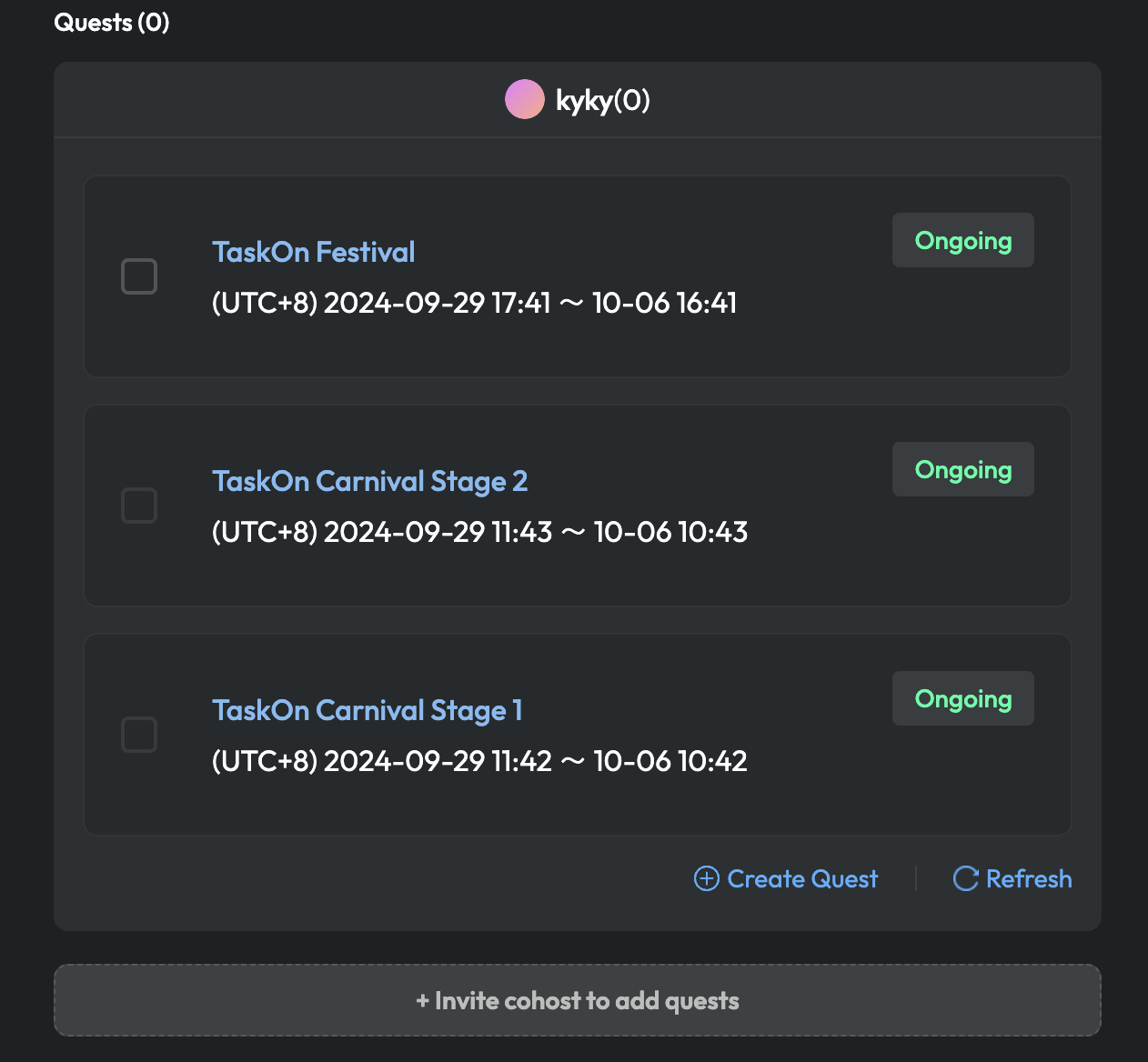
1. Add quests to the Event. Check the quest list and choose the quests you want to add.

*\*Ensure you have already created sprints before adding them to the event; if not, please create* [*quests*](/guide-book/boost-engagement/incentive-system/quest.md) *first.*

<figure><img src="https://3435385094-files.gitbook.io/~/files/v0/b/gitbook-x-prod.appspot.com/o/spaces%2FjhotRGhsA7iGGmOsMlF0%2Fuploads%2FiLr9XfJqBsn3CiFzKSsu%2F%E6%88%AA%E5%B1%8F2024-09-29%2017.54.25.png?alt=media&amp;token=d79b5880-0d68-413d-92ba-08be1a6acd1a" alt="" width="375"><figcaption></figcaption></figure>

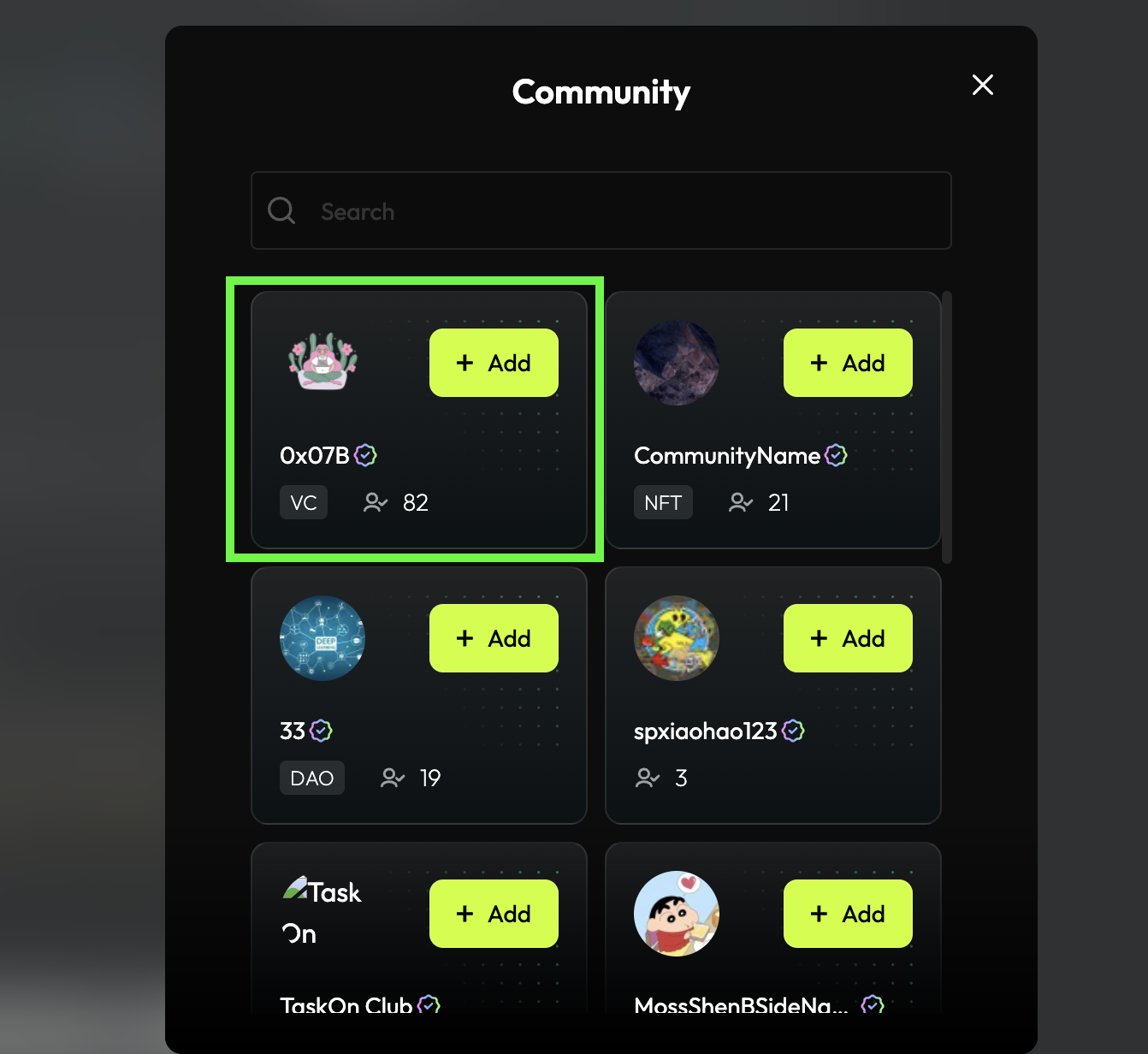
2. Invite Co-host. If this event is a collaboration with other project creators, click "Invite cohost to add quests" to invite them.
3. Click on "Add".

<figure><img src="https://3435385094-files.gitbook.io/~/files/v0/b/gitbook-x-prod.appspot.com/o/spaces%2FjhotRGhsA7iGGmOsMlF0%2Fuploads%2FS61qNoW355OnIIN5PUxr%2F%E6%88%AA%E5%B1%8F2024-07-30%2018.37.19.png?alt=media&amp;token=96bb54c2-3993-42cb-a575-3b7d21728b5f" alt="" width="563"><figcaption></figcaption></figure>

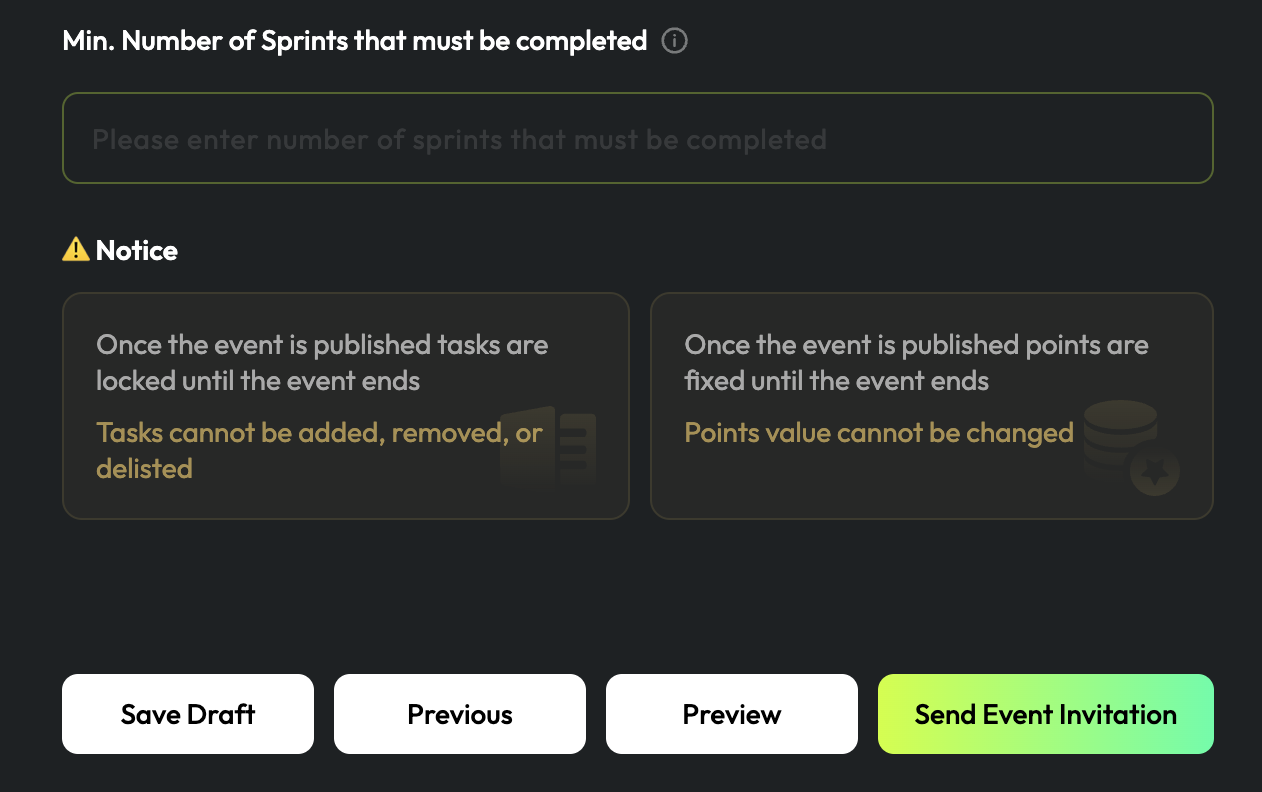
4. Enter the minimum number of quests that must be completed.
5. Click on "Send Event Invitation".

<figure><img src="https://3435385094-files.gitbook.io/~/files/v0/b/gitbook-x-prod.appspot.com/o/spaces%2FjhotRGhsA7iGGmOsMlF0%2Fuploads%2FaG3K2ARTX2zgxMGjpCYY%2F%E6%88%AA%E5%B1%8F2024-07-30%2018.39.12.png?alt=media&amp;token=8649beb1-d647-4fbb-b6b9-f4c984e725cf" alt="" width="563"><figcaption></figcaption></figure>

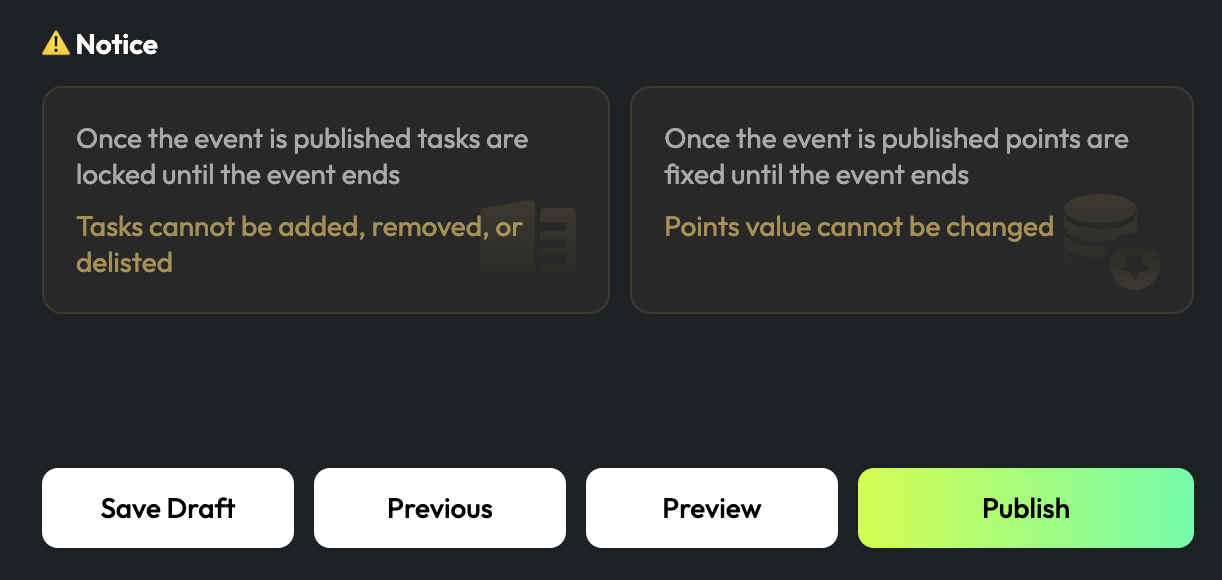
6. After all settings are done and other communities accept invitation, click "Publish".
<figure><img src="https://3435385094-files.gitbook.io/~/files/v0/b/gitbook-x-prod.appspot.com/o/spaces%2FjhotRGhsA7iGGmOsMlF0%2Fuploads%2FyQCgDwcJaPDVr856QdeN%2F%E6%88%AA%E5%B1%8F2024-07-30%2018.41.56.png?alt=media&amp;token=87aeaec3-cf36-4e92-8471-3a0634c83a50" alt="" width="563"><figcaption></figcaption></figure>