> For the complete documentation index, see [llms.txt](https://taskoncommunitys-organization.gitbook.io/guide-book/llms.txt). Markdown versions of documentation pages are available by appending `.md` to page URLs; this page is available as [Markdown](https://taskoncommunitys-organization.gitbook.io/guide-book/boost-engagement/task-system/task-list/task-status.md).
# Task Status
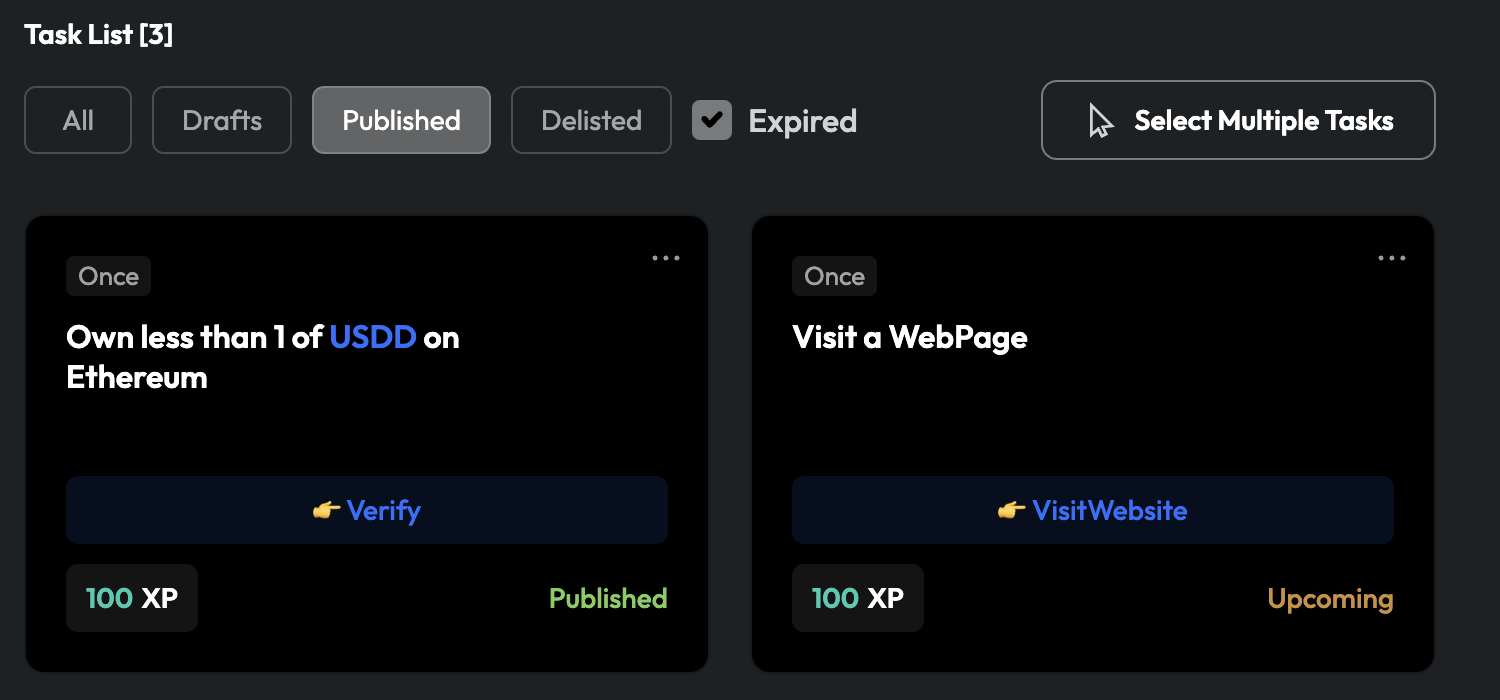
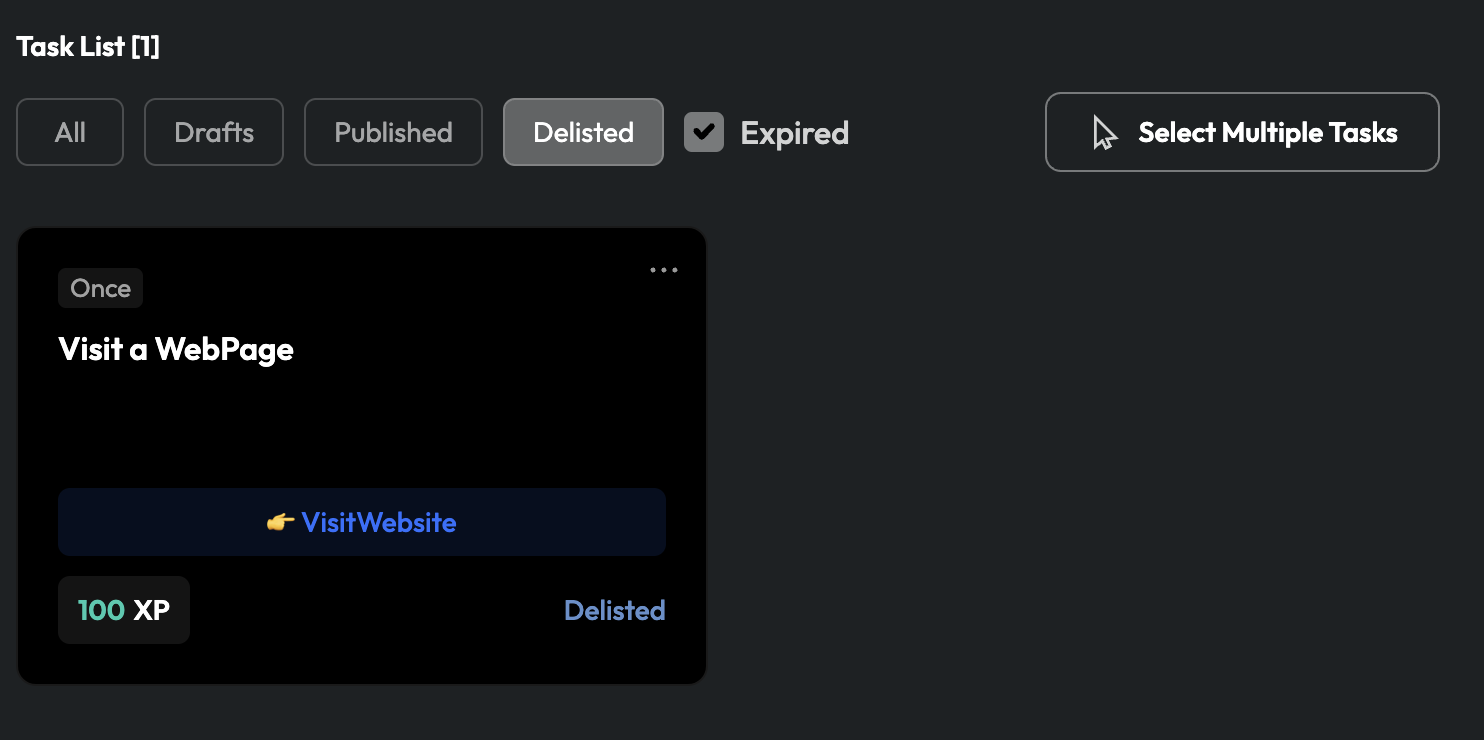
In the Task List, you can filter tasks using four different tags.
* `Draft`: The task is currently being edited, and you can continue editing.
* `Published`: Tasks that are about to go live (`Upcoming`), have successfully gone live (`Published)`, or have ended (`Ended`).
* `Delisted`: You have voluntarily taken the task offline, and users will not see it.
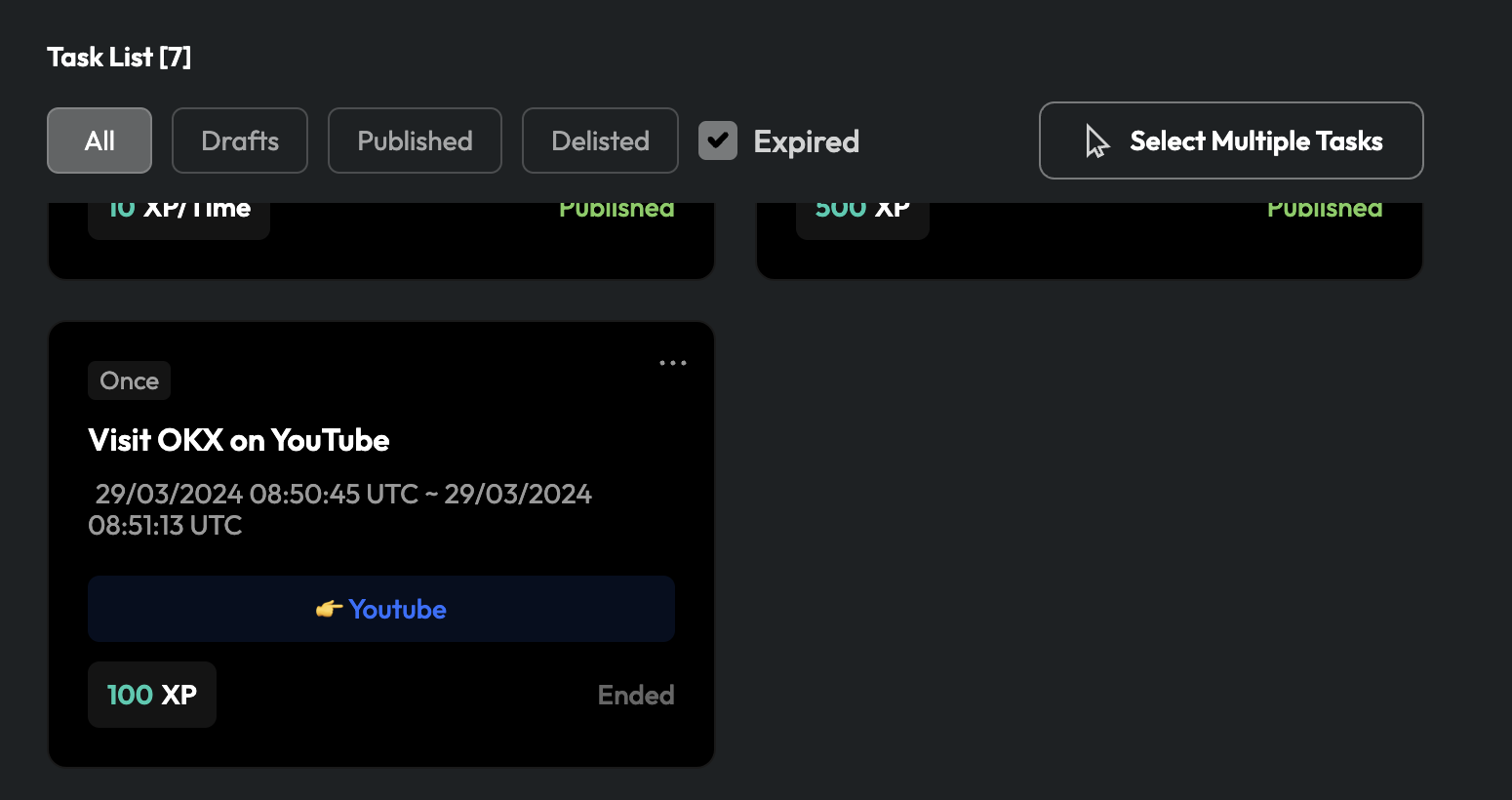
* `Expired`: If you have set a duration for the task during its design, it will display as expired once the specified time has elapsed.
Normally, TaskOn Community automatically hides expired tasks. If you need to view expired tasks, you can check the "`Expired`" checkbox, and then you'll be able to see tasks displayed as "`Ended`".
In the task list, you can use the checkboxes above to easily filter and display tasks based on their status, allowing you to quickly find the tasks you are looking for.